Sharing Namespaces Between The Host And The Container
As we know, while starting the container, by default, Docker creates six different namespaces: Process, Network, Mount, Hostname, Shared Memory, and User, for a container. In some cases, we might want to share a namespace between two or more containers. For example, in Kubernetes, all containers in a pod share the same network namespace.
In some cases, we might want to share the namespaces of the host system with the containers. For example, we share the same network namespace between the host and the container to get near line speed inside the container. In this recipe, we will see how to share namespaces between the host and the container.
Getting ready
You’ll require a host with the latest version of Docker installed, which can be accessed through a Docker client.
How to do it…
Perform the following steps:
- To share the host network namespace with the container, run the following command:
$ docker container run -it --net=host alpine ashIf you see the network details inside the container, run the following command:
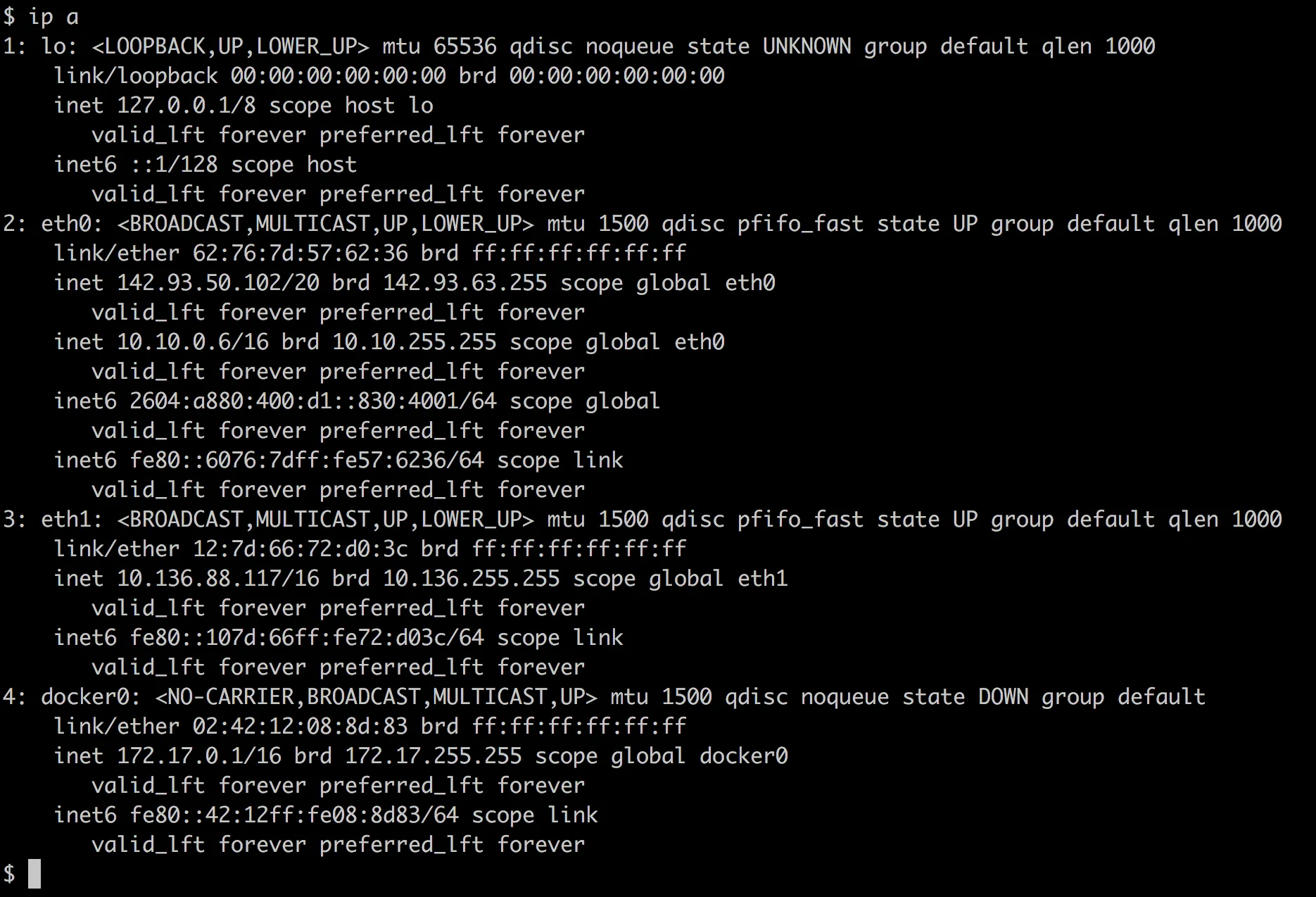
$ ip a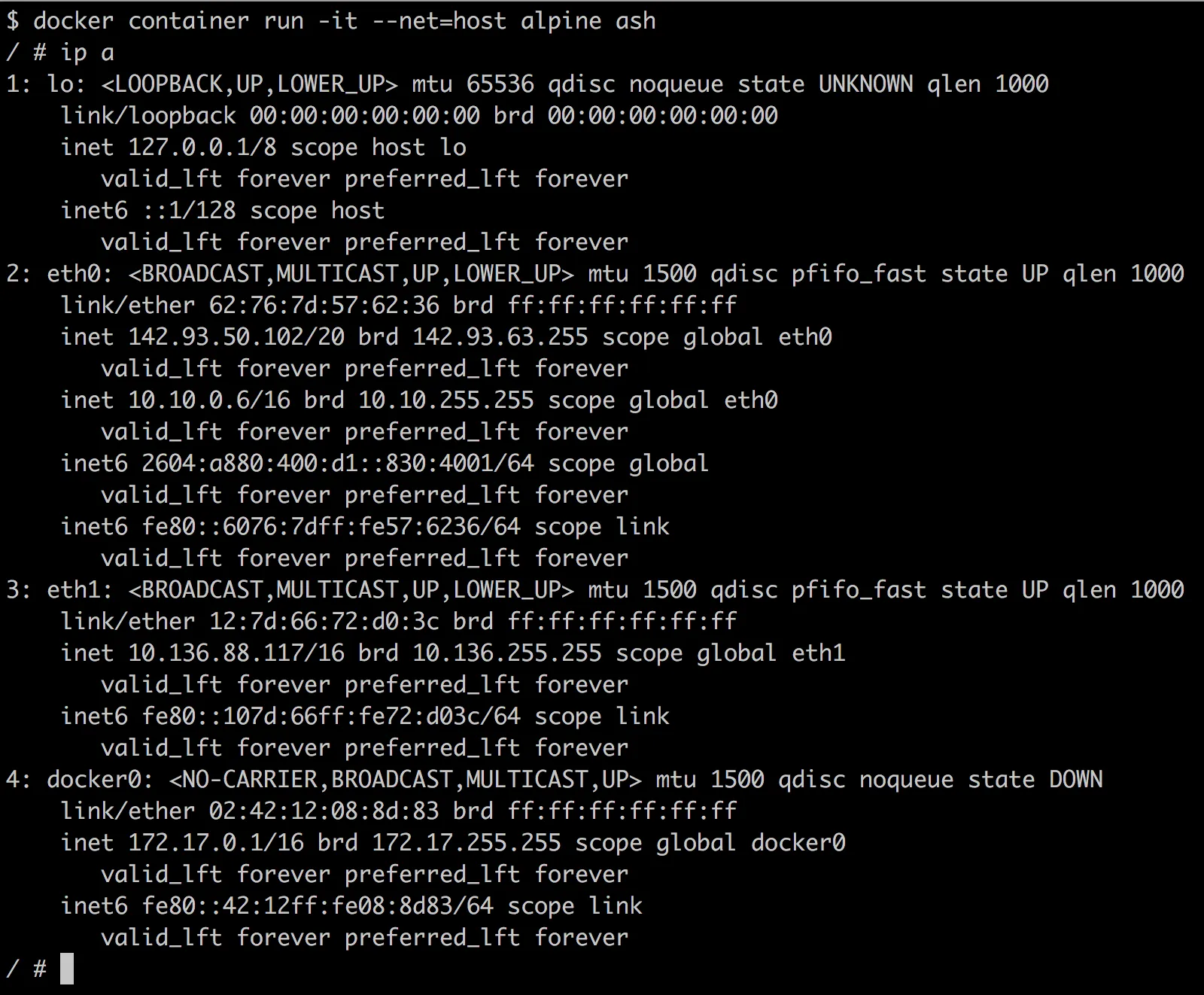
You will see a result the same as the host:
- To share the host network, PID, and IPC namespaces with the container, run the following command:
$ docker container run -it --net=host --pid=host --ipc=host alpine ash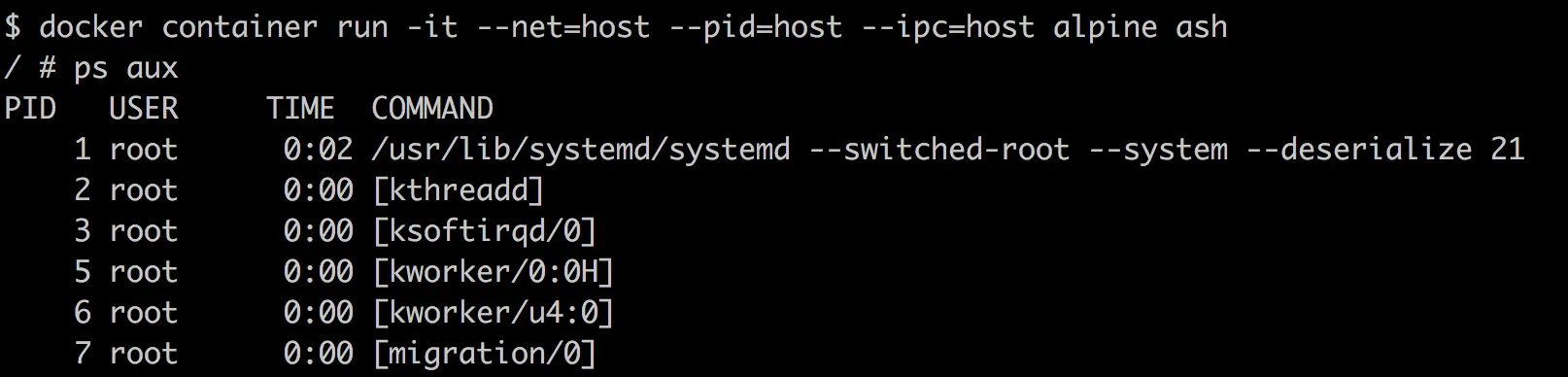
How it works…
Docker does not create separate namespaces for the container when such arguments are passed to the container.